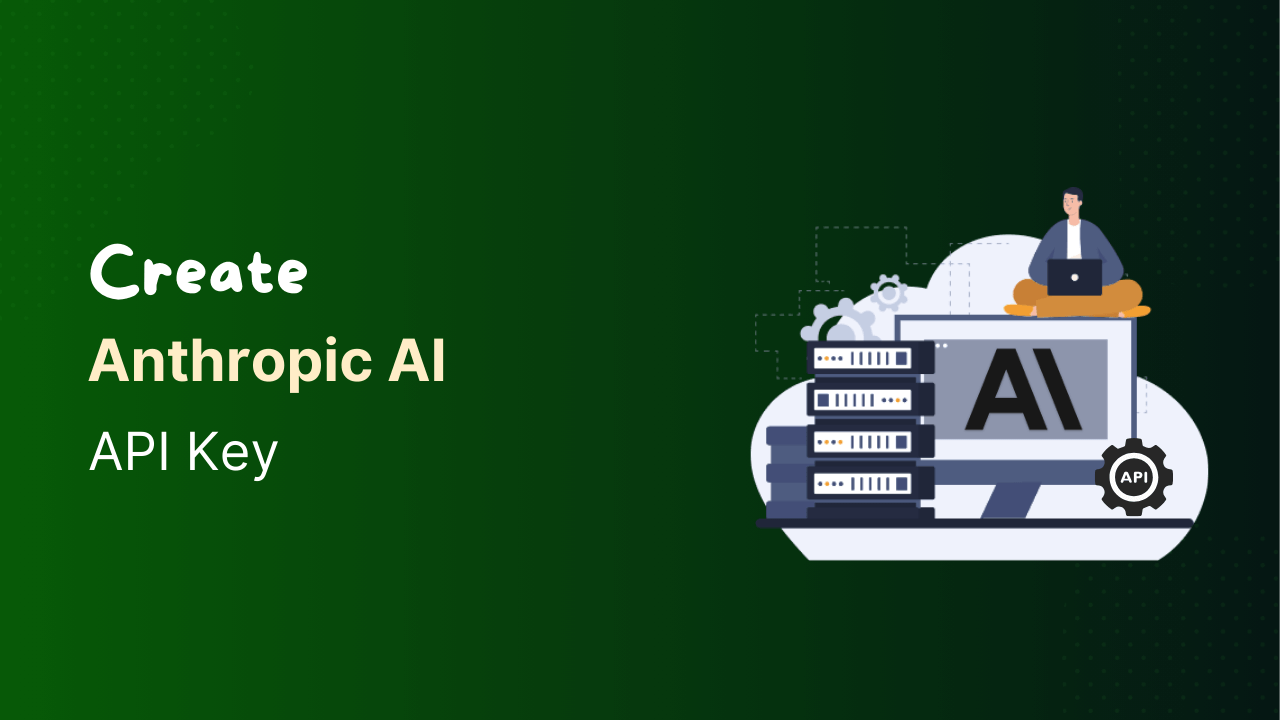
If you want to use Claude AI on your website, application, or plugin, you need access to the Anthropic API.
This access is gained through an API key, which is a secure password that allows your software to connect directly with Claude and send prompts to the AI.
Now, follow these steps to create your own API key:
Step 1: Open Anthropic Console
- Visit the Anthropic console.
- Sign in using your existing account, or create a new one.
Step 2: Generate Your Anthropic API Key
- After logging in, go to the Dashboard.
- Navigate to API Keys from the sidebar.
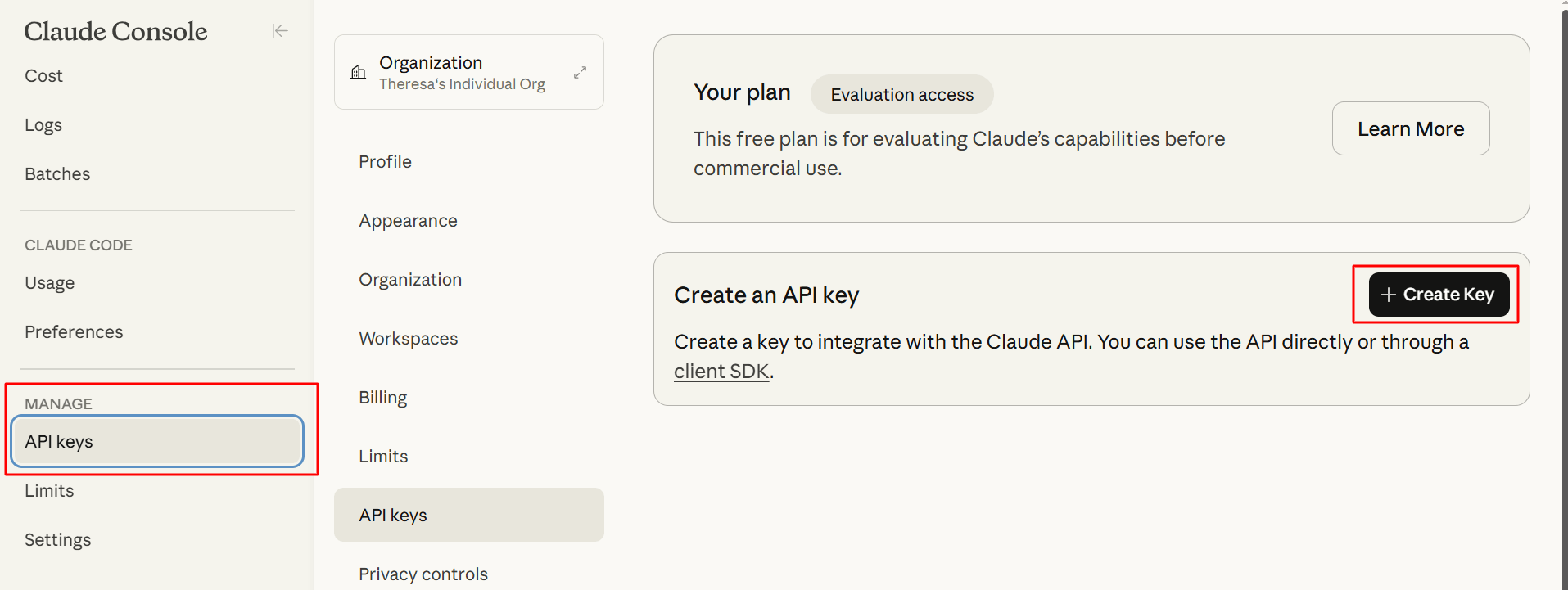
- Click the Create Key button.
- Enter all the required details.
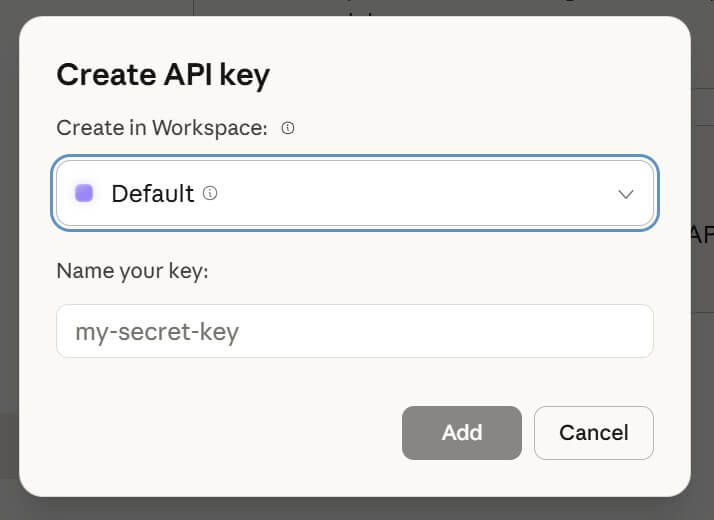
- Copy the generated API key and store it securely.
Important:
Copy the API key immediately and store it in a secure location, and do not share your API key publicly.
That’s it. Once you generate your Anthropic API key, you can connect your application to Claude AI and start sending prompts easily.