To translate a plugin or theme via Yandex Translation Widget using the LocoAI – Auto Translate for Loco Translate, please follow these steps:
Installation and Activation
- Install and activate the Loco Translate plugin and the LocoAI – Auto Translate for Loco Translate on your WordPress website.
Choose plugin or theme
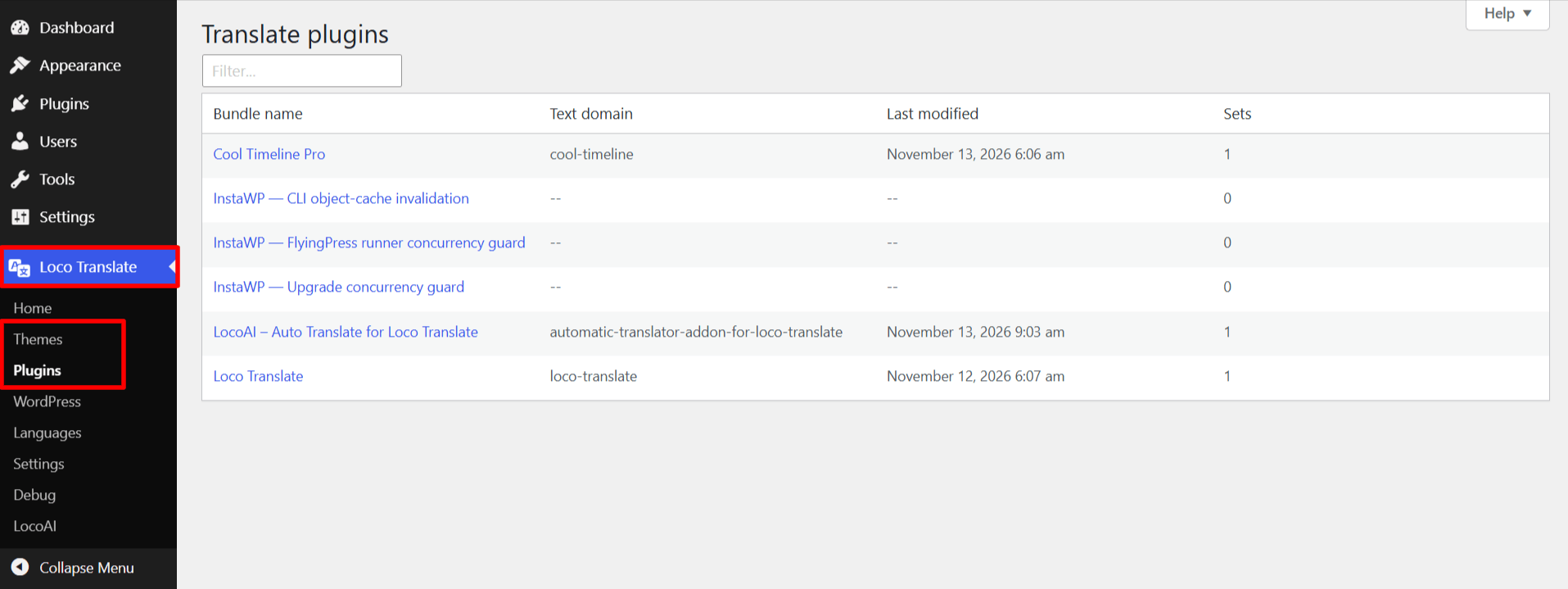
- Navigate to the Loco Translate page on your WordPress dashboard.
- Select the plugin or theme you want to translate.
Select the Language
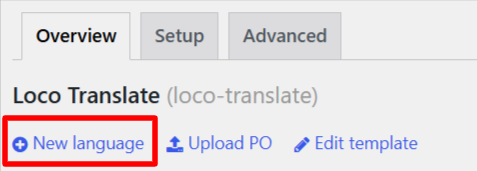
- Click on the New Language button and choose the language you want to translate the plugin or theme into.
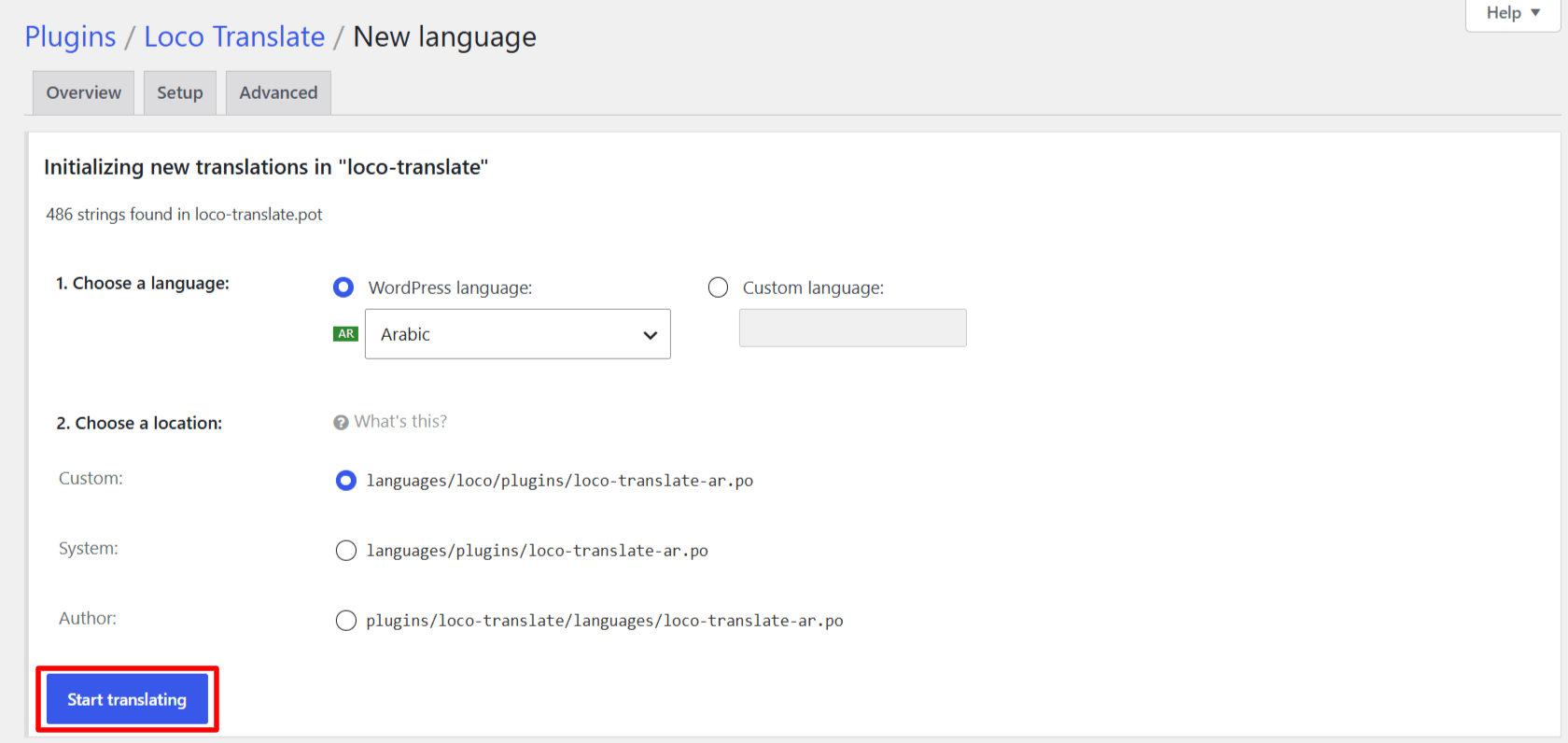
- After selecting the language, click on the Start Translating button to open the translation editor.
- Click on the “Auto Translate” button.
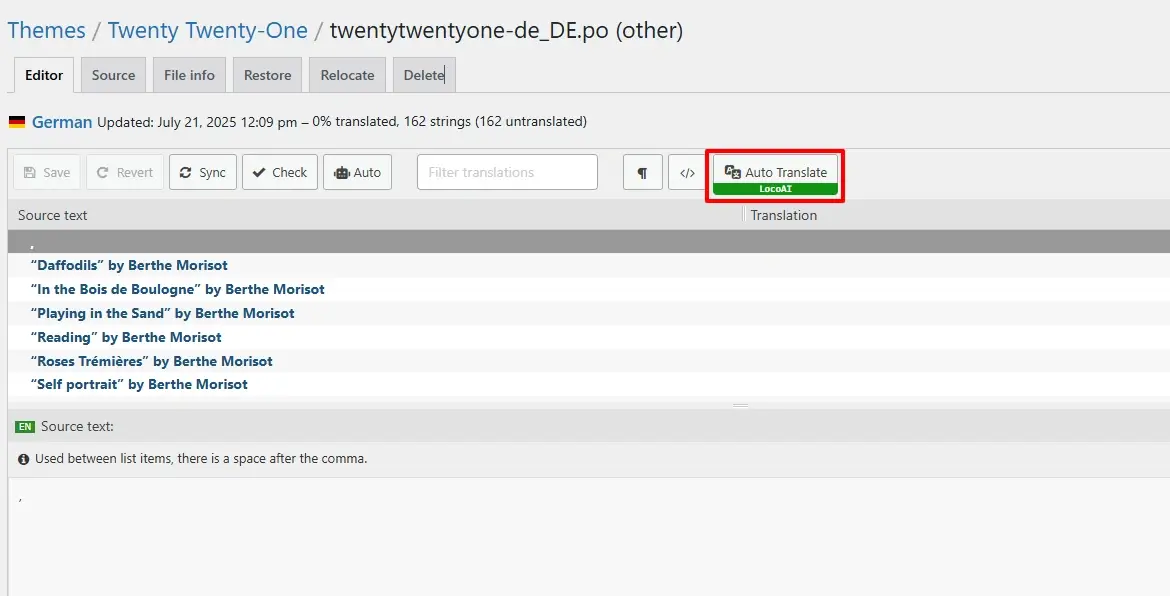
Translating the Content
- A pop-up will appear, select Yandex as your translation service.
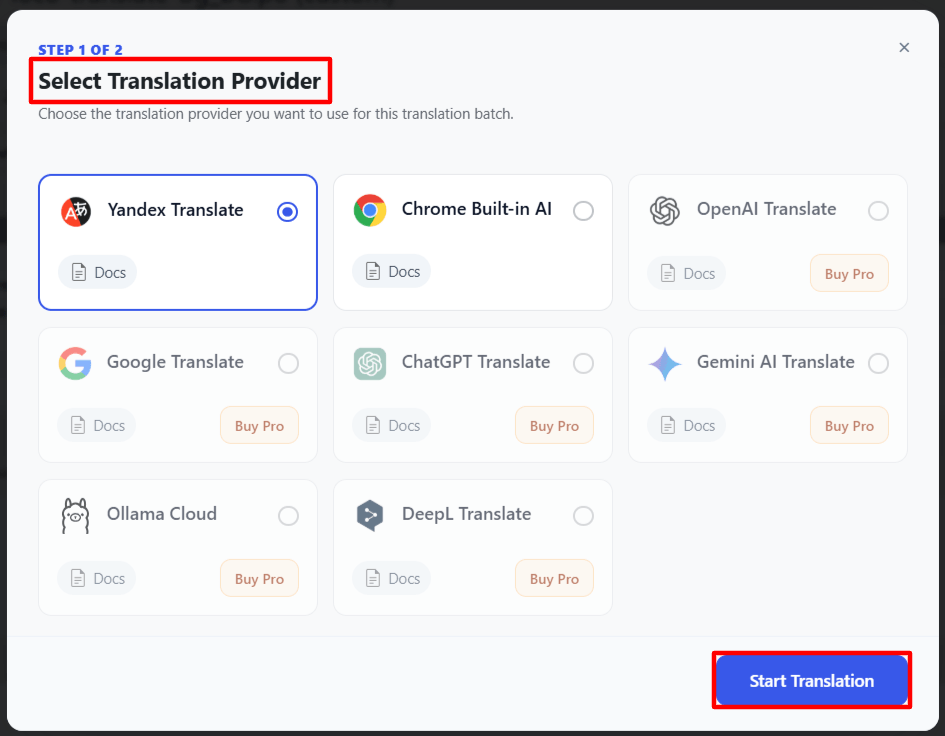
- Once you choose the translation provider, the automatic translation process will begin.
Merge & Save Translations
- Click on Merge Translation.

- A pop-up will appear. Click on Start Adding Process.

- Once you click on Start Adding Process. All the translations will get added to the loco translator string table.
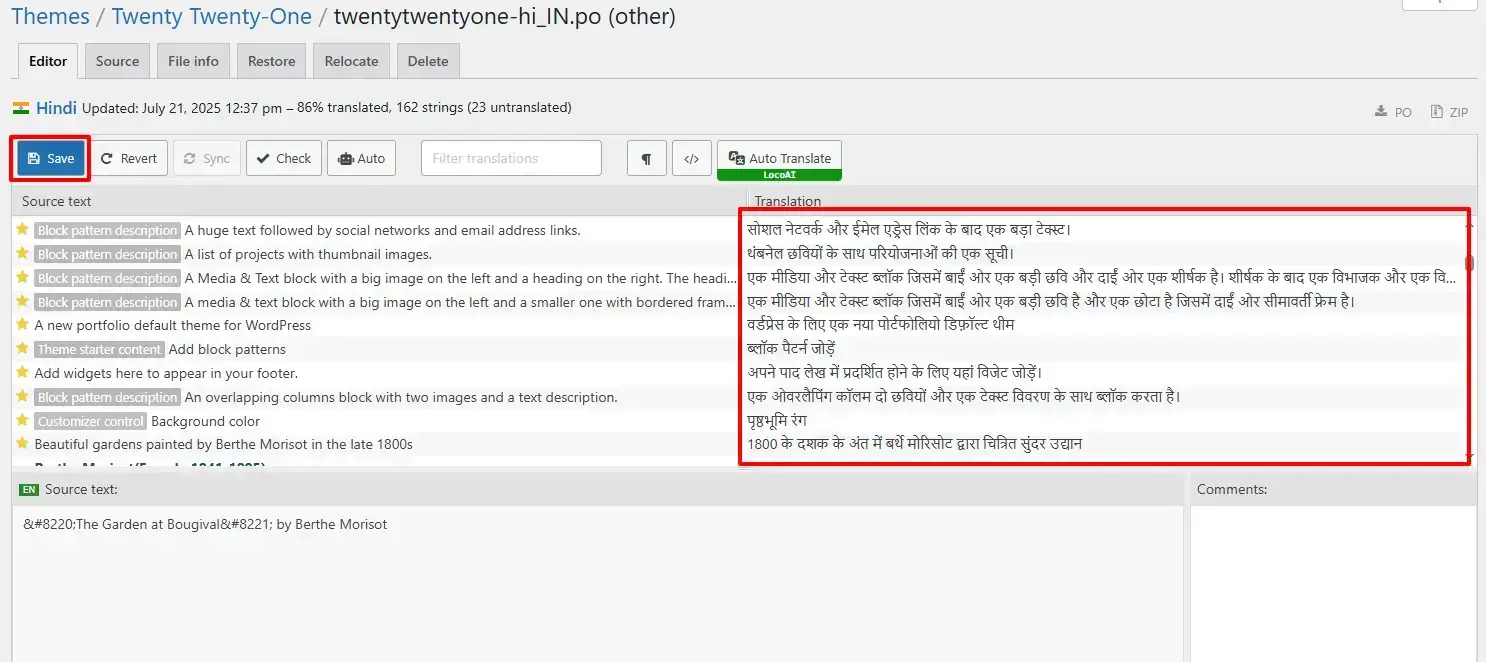
That’s it! You have successfully translated your plugin or theme via Yandex Translation Widget using the LocoAI – Auto Translate for Loco Translate
Note: If you want to use Google, OpenAI, Gemini, Ollama Cloud, DeepL doc or Chatgpt translator through the LocoAI – Auto Translate for Loco Translate, you will need to purchase the pro version of the addon. However, you can visit the official website of LocoAI to learn more about the pro version and how to purchase it. Additionally, you can check the plugin’s documentation or support forum for more information on using the pro version and its features.