While making a multilingual WordPress website, the majority of site owners focus on translating pages, posts, categories, and more.
They forget to translate the plugins and themes installed on their WordPress websites. These installed plugins and themes usually come with predefined text strings like, submit, read more, add to cart, event details, or search results.
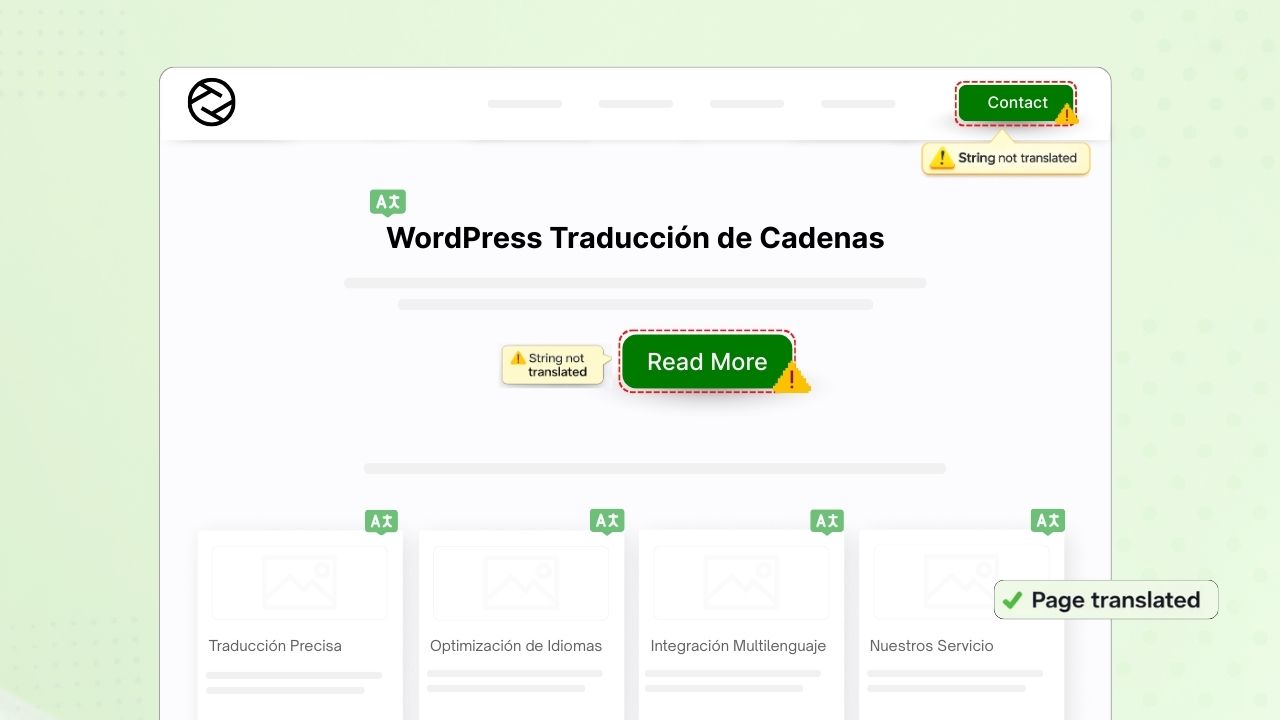
Translating them is very important if your main goal is to build a fully multilingual website.
To translate strings, you have to access the plugin or theme’s .po and .mo files, which is complicated for non-technical users.
So, the main question here is: how to translate these plugin text strings easily?
The answer is Loco AI Addon.
What is Loco Translate Addon?
Well, you must already know that Loco Translate is a WordPress plugin that allows you to manually translate themes and plugins directly from your WordPress dashboard, which is difficult and time-consuming if your plugin has thousands of strings.
But with the Loco AI Addon, you can translate all text strings automatically with AI translators. This addon connects with sources like Google, Yandex, DeepL, or AI-powered sources like ChatGPT, Gemini AI, and Chrome AI to provide instant and automated translations.
Now that we have our answer, let’s go step by step and see how to translate a WordPress plugin via AI.
Steps to Automatically Translate a WordPress Plugin
Follow the steps below to automatically translate a WordPress plugin:
- Firstly, make sure that you have installed and activated the Loco Translate and Loco AI plugin.
- After activation, navigate to the Loco Translate section and click Plugins.
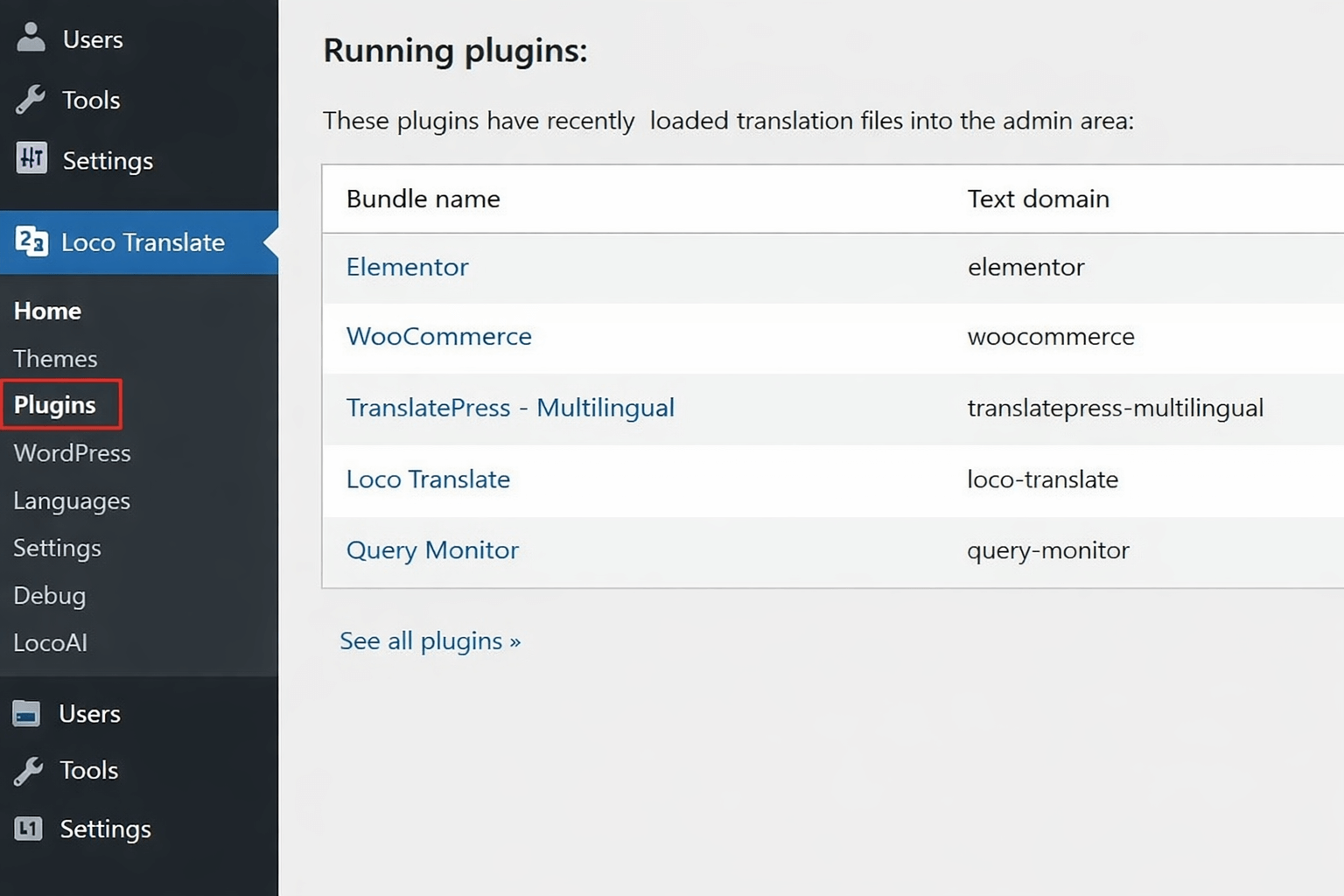
- Choose the plugin that you want to translate.
- Now, we have to select the translation language. Select your desired language from the available options. If the language is not listed, you can add it manually.
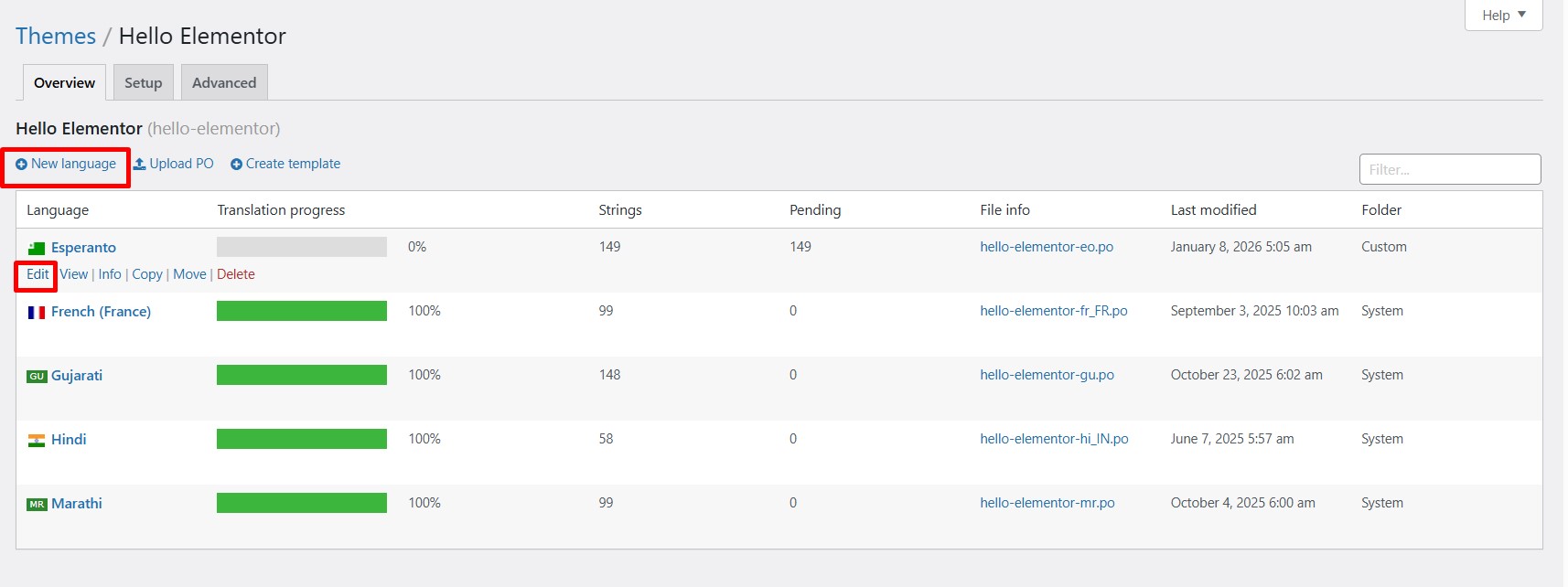
- Click on the Translate button, and a prompt will appear to choose the translation provider.
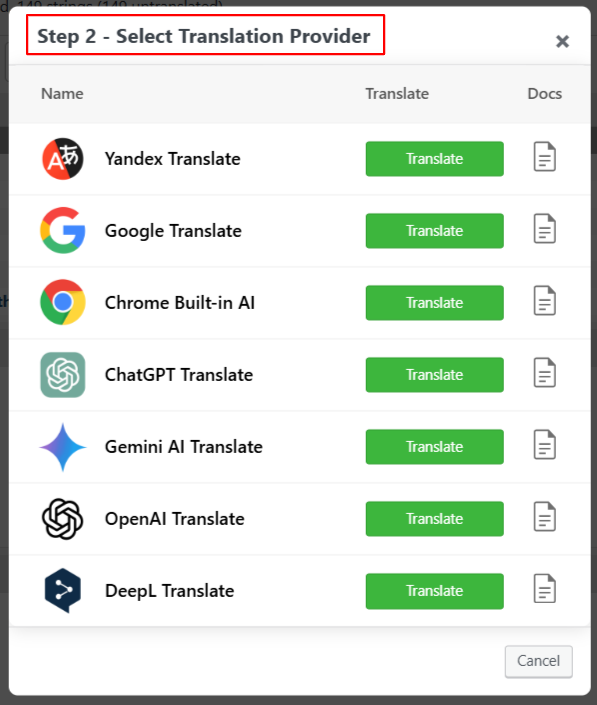
- Click on the Translate button to automate the translation. It will take a few minutes.
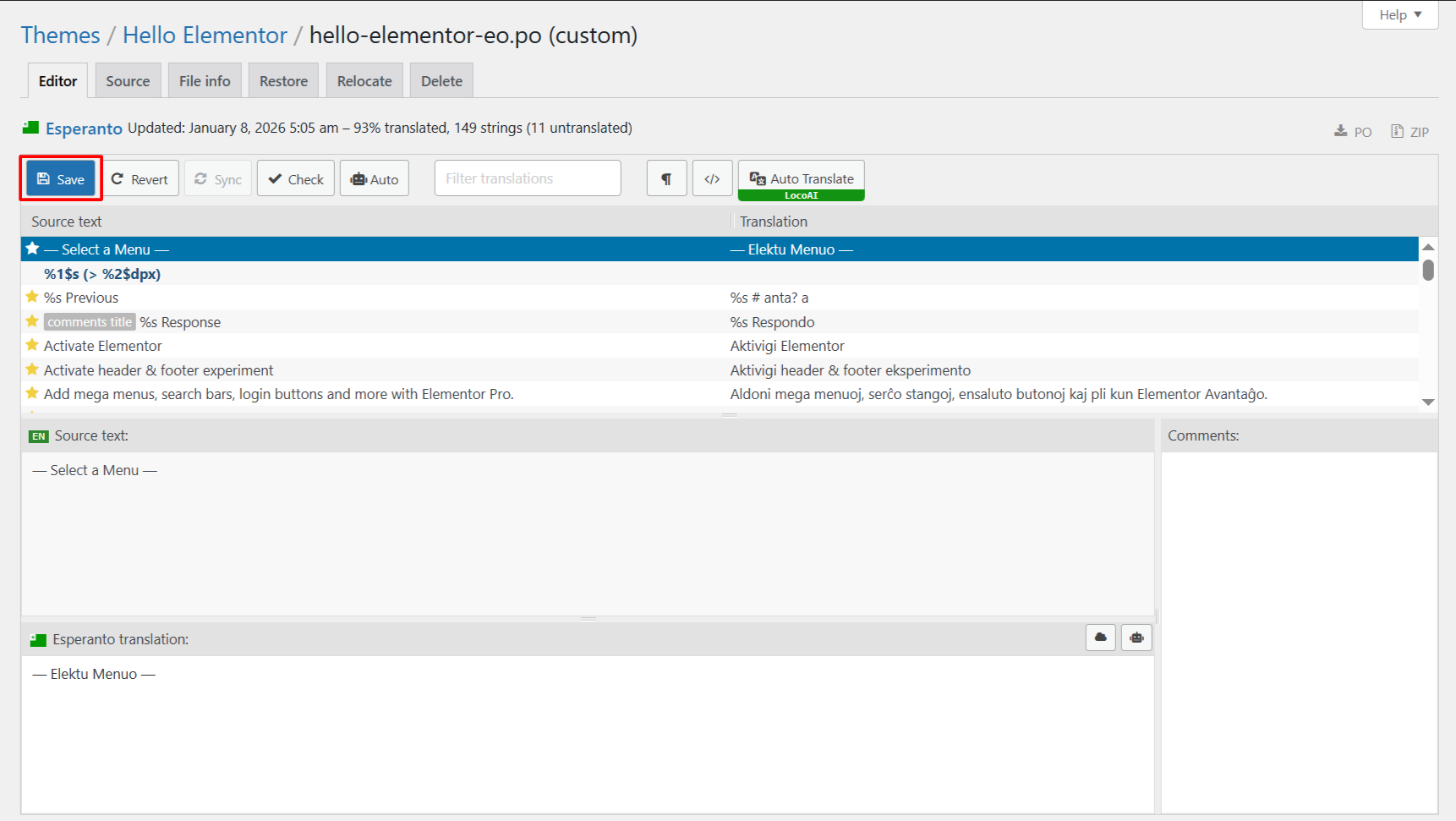
- After the translation is completed, merge the translation and add it to the editor.
- Lastly, save the translations, which will update the .po and .mo files for your selected plugin.
Conclusion
So, instead of being stuck in a loop of editing .po and .mo files while plugin translation, choose a smarter approach like Loco AI Addon that makes it easier to manage plugin translation directly from the WordPress dashboard without any manual work.